How to Personalize Jewelry: Names, Dates, Initials & Meaningful Messages
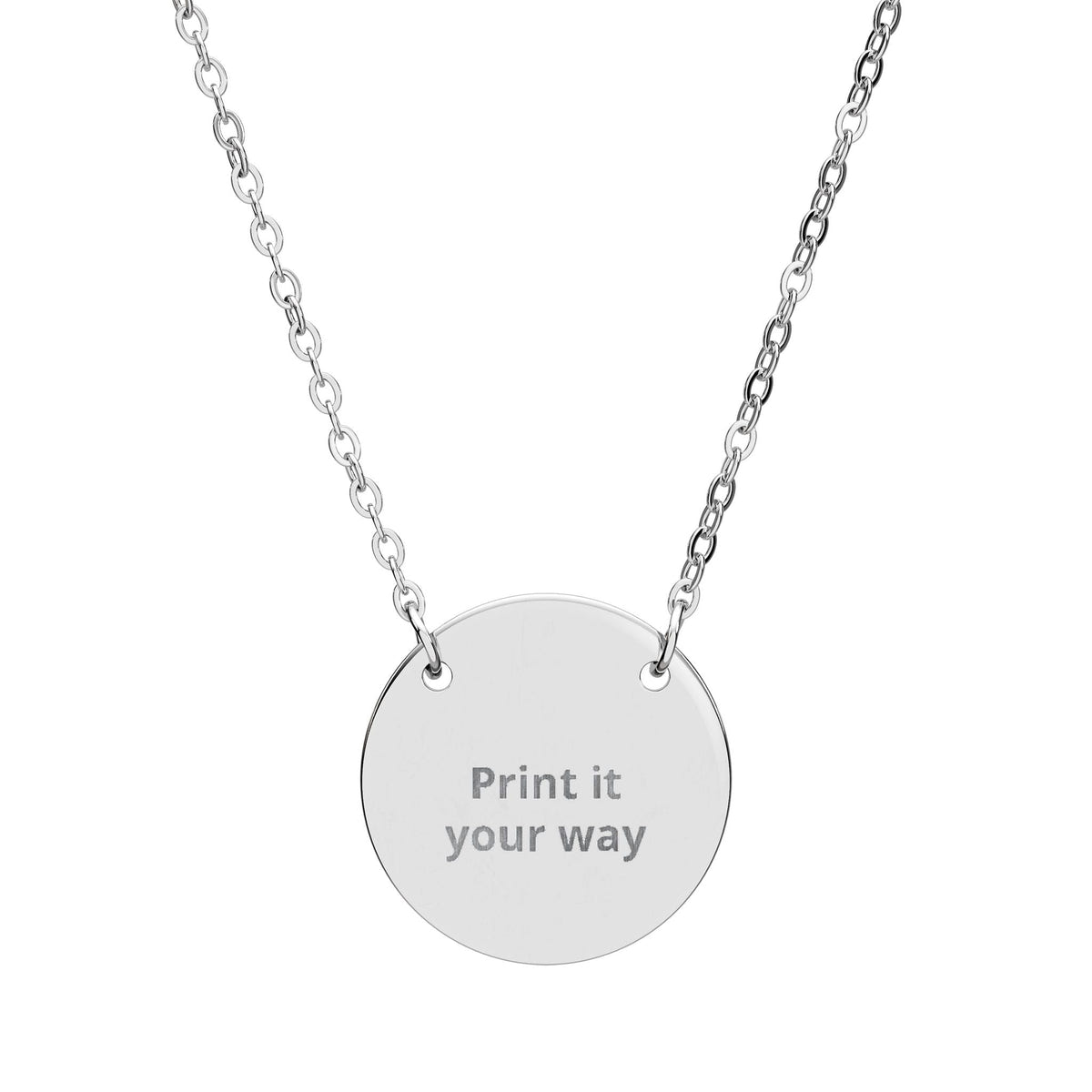
Personalizing jewelry starts with the meaning, not the text box. Before you enter a name, date or message, decide what the piece should represent and choose a jewelry shape that gives that idea enough room.
1. Decide what the jewelry should preserve
Most personalized jewelry starts with one of five things: a person, a date, a place, a milestone or a short message. If you are unsure which direction fits, use What Should I Engrave? first.
2. Choose the personalization format
- Name: direct and identity-led.
- Initials: compact and more private.
- Date: best when one moment carries the story.
- Coordinates: useful when a place is the memory. Verify the location and format before engraving.
- Short message: works when a few words already belong to the relationship.
For date formatting, see How to Write a Date on Jewelry. For initials, see Initials on Jewelry.
3. Match the message to the jewelry shape
A compact heart or circle naturally favors concise wording. A horizontal bar gives text a longer visual line. A dog tag offers a larger surface and a different proportion. Compare these shapes in our Engraving Fit Guide.
4. Keep the wording shorter than your first draft
Write the full thought, then remove what the wearer already knows. A long sentence may become a date, nickname, two initials or one short phrase without losing the memory behind it.
5. Use the product page as the source of truth
Personalization space, supported characters, line breaks and preview options can differ from one product to another. Use only the controls shown on the live product page, and review the available preview before ordering.
6. Proofread like the details are permanent
Check spelling, capitalization, punctuation, dates and coordinates separately. If the piece is a gift, confirm the exact form of the recipient's name rather than relying on memory. Use our Engraving Mistakes to Avoid checklist before submitting.
If you already know the piece will be a necklace, continue with What to Engrave on a Necklace for necklace-specific examples and recipient ideas.
7. Choose the piece after the message is clear
Browse Personalized Jewelry, compare necklaces and bracelets, then let the current personalization interface on the selected product make the final decision.
Frequently asked questions
What can I personalize on jewelry?
Common options include names, initials, dates, coordinates and short messages. The exact available options depend on the individual product.
Should I choose the jewelry or the engraving first?
Choose the meaning first, then shortlist a jewelry shape. Finalize the wording only after checking the actual personalization area and preview.
How do I avoid a personalization mistake?
Use exact source information for names, dates and coordinates, keep wording concise, and review the live preview before ordering.