Jewelry Engraving Mistakes to Avoid Before Ordering
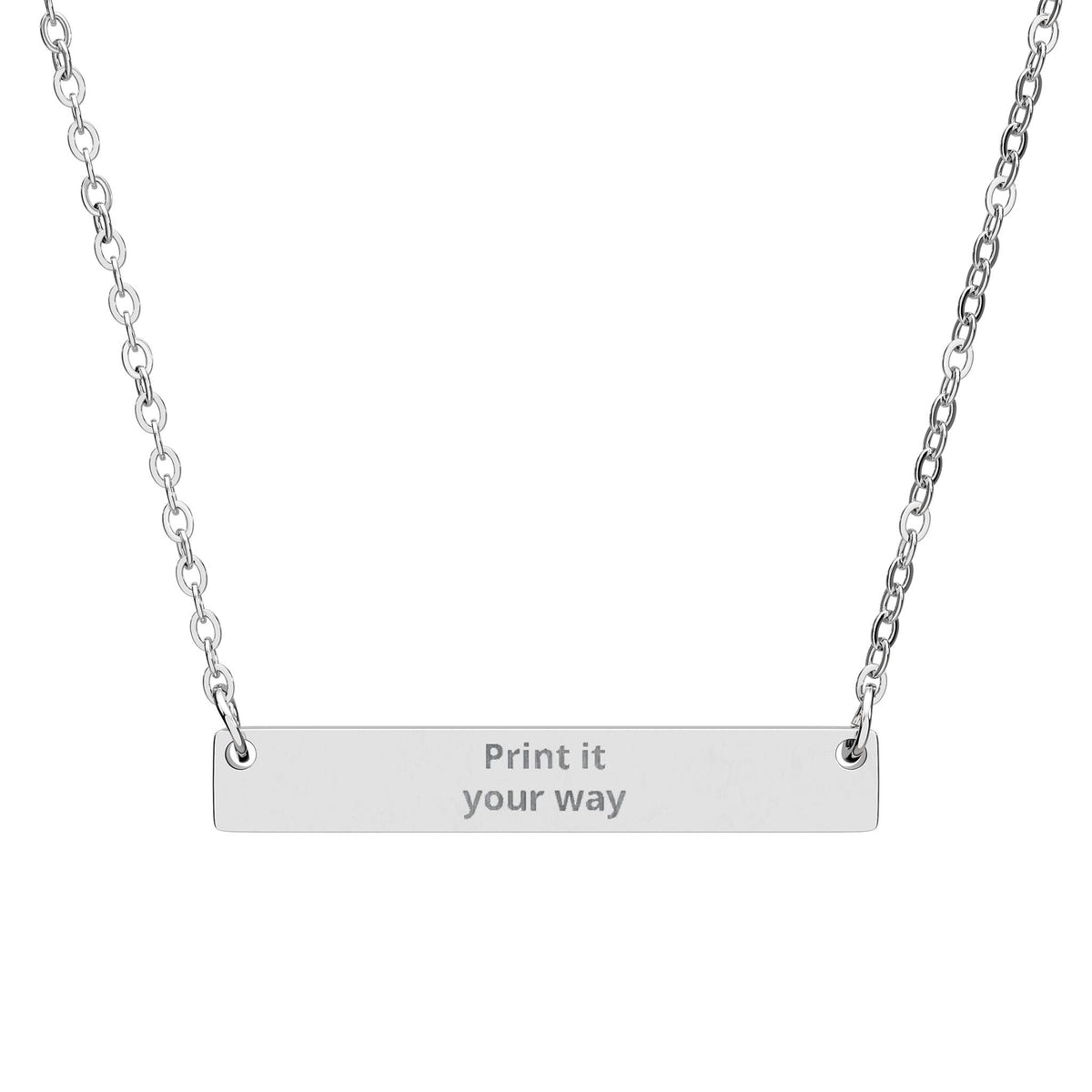
Engraving mistakes are usually small before they are permanent. A misspelled name, ambiguous date, copied coordinate or message that looks good in a note but not on a small pendant can turn a meaningful idea into a frustrating order.
This guide is a final check before you submit personalized jewelry. The live product personalization controls and preview are always the source of truth for the exact piece you are ordering.
1. Spelling a name from memory
Compare the engraving with the way the person actually writes their name. Check spaces, hyphens, accents when supported, initials and capitalization.
2. Using an ambiguous date
Numeric dates can be read differently in different countries. If a format such as 04/07/26 could be misunderstood, use a clearer version that both people will read correctly.
3. Copying coordinates without checking the pin
A missing minus sign or wrong digit can move a location completely. Paste the full coordinate pair back into a reliable map and confirm the pin returns to the intended place. See How to Engrave Coordinates on Jewelry.
4. Writing the message before choosing the jewelry
A compact circle, slim bar, heart or dog tag gives text a different amount of space. Choose the piece early enough that the shape can help you edit. Our engraving length, layout and readability guide explains why shorter wording often reads better.
5. Filling every available character
The maximum character allowance is not a target. If a message feels crowded, keep the part that carries the story. For help editing, see How to Shorten an Engraving Without Losing Its Meaning.
6. Choosing a generic phrase when a specific detail exists
A nickname, date, place, initials or two-word family phrase may carry more identity than a polished quotation. If you are still deciding what belongs on the piece, start with What Should I Engrave?.
7. Forgetting punctuation and capitalization
“Always us”, “Always, us” and “ALWAYS US” can feel visually different. Check commas, apostrophes, separators and letter case in the actual preview.
8. Assuming every symbol is supported
A heart symbol, ampersand or special character may not be available in every personalization interface. Use only the characters supported by the current product controls.
9. Skipping the final preview
- Read the engraving once for meaning.
- Read it again character by character.
- Verify names, dates and numbers separately.
- Check visual balance.
- Save only after the final check.
10. Ordering before checking the occasion timeline
If the jewelry is for a birthday, graduation, anniversary or another dated event, review the current production and delivery information before ordering. For birthday milestones, compare concise wording in Birthday Engraving Ideas.
A simple engraving checklist
- Correct name and spelling
- Correct date and format
- Verified coordinates, if used
- Message fits the selected product
- Supported characters only
- Capitalization and punctuation checked
- Preview reviewed carefully
- Production and delivery information reviewed
Choose the piece after the message is clear
For concise names, initials, dates or short messages, compare the Engravable Circle Necklace, Engravable Horizontal Bar Necklace or Personalized Engraved Heart Necklace. You can also browse Personalized Jewelry.
Frequently asked questions
What should I check before engraving jewelry?
Check the exact spelling, date format, coordinates, punctuation, capitalization, supported characters and the live personalization preview. Also confirm that the message suits the actual engraving area of the chosen piece.
How long should an engraving be?
Keep it as short as the meaning allows while remaining clear on the selected product. The product's current preview and available personalization controls should be the final check.
Should I use a name, date or coordinates?
Choose the detail that most directly unlocks the memory or relationship. A name emphasizes identity, a date marks a moment, and coordinates preserve a place.