How Long Should an Engraving Be? A Guide to Length, Layout & Readability
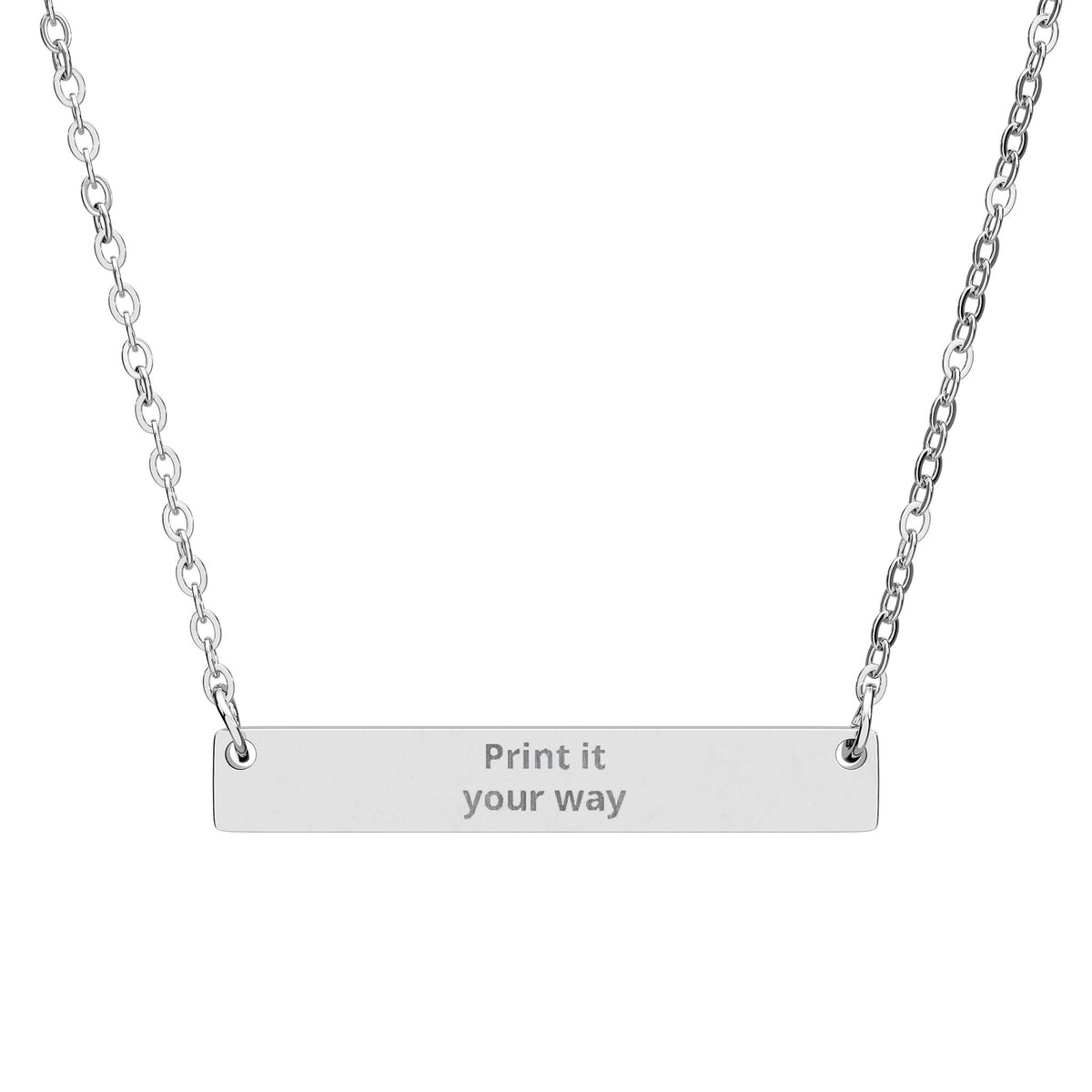
How long should an engraving be? Keep it as short as the meaning allows while still fitting the jewelry clearly. Names, initials, dates and one-word messages work well on smaller surfaces; short phrases usually need more room. The exact limit depends on the individual product, font, engraving area and layout, so the product's current personalization preview should be the final check.
This guide explains how to choose engraving length, layout and readability without losing the meaning behind the message.
Start with the surface, not the sentence
Different jewelry shapes naturally suit different kinds of messages. A small round pendant may feel strongest with initials, a short date or one compact word. A longer bar can give a little more visual breathing room for a name or short phrase. A dog tag or larger pendant can offer a different balance again.
The important point is not to assume that every engravable piece should carry the same amount of text. Let the shape help you edit.
For example, compare a Mini Engraved Circle Necklace, an Engravable Horizontal Bar Necklace and a Custom Gold Dog Tag Necklace. They can all carry personal meaning, but the same message may not look equally natural on all three.
Exact engraving options and available space can vary by product. Always use the product's current personalization controls and preview as the final source of truth before ordering.
Think in three message lengths
1. Very short: initials, dates and single words
Very short engravings are often the easiest to make visually strong. Examples include:
- A + M
- 08.14.26
- HOME
- ALWAYS
- F.M.
- a short coordinate reference
They work especially well when the jewelry itself is small or when you want the engraving to feel quiet and private.
2. Short: names and compact phrases
A short phrase gives you more emotional range without asking the jewelry to behave like a page of text. Examples might be:
- Meet me there
- Still choosing you
- For every mile
- Dad, always
- My safe place
This length can work well on bars, tags and other surfaces with a clear horizontal or vertical direction.
3. Longer: meaning that needs editing
If the sentence matters but feels too long, do not immediately abandon it. First identify the part that carries the emotional weight. A full sentence such as “Wherever life takes us, you will always be home to me” might become “You are home,” “Always home,” or simply “HOME.”
The shorter version is not necessarily less meaningful. In personal jewelry, the wearer already knows the story behind the words.
Layout changes how a message feels
Two engravings with the same number of characters can feel very different depending on punctuation, spacing and word shape. Before deciding, look at the message as a visual object.
- Use punctuation deliberately. A slash, dot or small separator can organize a date or pair of initials without adding many characters.
- Avoid unnecessary filler. “I will love you forever” and “Love you, always” may communicate similar meaning while creating very different layouts.
- Watch repeated wide characters. Words do not all occupy the same visual space, so a character count alone does not tell the whole story.
- Let empty space work. An engraving does not need to fill every available millimeter to feel complete.
Names, dates and coordinates each need a different check
Names
For names, verify spelling exactly as you want it engraved. Decide whether you want a full name, first name, nickname or initials. If the name is long, initials or a private nickname may create a cleaner result without losing meaning.
Dates
Dates can often be shortened by changing the format. “August 14, 2026” can become “14.08.26,” “08.14.26,” or another format that is unambiguous to the people involved. Choose deliberately, especially when day/month conventions could be misunderstood.
Coordinates
Coordinates are compact but precision matters. Confirm the location independently before submitting the engraving and decide how many decimal places are truly useful for the memory you want to mark. Our separate guide, How to Engrave Coordinates on Jewelry — Without Getting the Location Wrong, goes deeper into that check.
A simple editing method before you order
When you have a draft engraving, try this four-step test:
- Write the full meaning. Ignore length at first. Say exactly what you want the piece to represent.
- Circle the irreplaceable part. Which word, date, name or reference actually carries the story?
- Remove what the wearer already knows. Personal meaning often lives in context, so you do not need to explain the whole story on the jewelry.
- Check the real product preview. The final decision should be based on the actual personalization interface for the piece you are ordering, not a generic rule.
If you still need to reduce a message, see How to Shorten an Engraving Without Losing Its Meaning.
Readability is part of the meaning
A meaningful phrase is only useful as an engraving if the finished result can be read and enjoyed as intended. More text is not automatically more personal. Often the strongest choice is the version that gives the words room to exist.
Before placing an order, ask:
- Does this message suit the shape of the piece?
- Is every word necessary?
- Have names, dates and coordinates been checked?
- Does the current product personalization preview support the text as entered?
- Would a shorter private reference mean just as much?
The goal is not to fit the maximum possible message. It is to choose the smallest amount of text that still carries the full meaning for the person who will wear it.
Before submitting the final design, use our Jewelry Engraving Mistakes to Avoid Before Ordering checklist for spelling, dates, coordinates, punctuation and preview checks.
Ready to choose a piece? Browse our personalized and engraved necklaces to compare different pendant shapes and engraving areas, or explore the full Personalized Jewelry collection. Then use each product’s current personalization options as the final guide.
What do people actually search before personalizing jewelry? In our small first-party study of 187 anonymized Google Search Console queries, practical questions about fit, text length, readability and accuracy appeared alongside emotional and occasion-based searches. That is one reason this checker treats readability as part of the decision instead of reducing personalization to a universal character limit.
Journalists and researchers can find the underlying first-party study, methodology notes and source contact on our Research & Media page.
Engraving Readability Checker
Test a name, date, coordinates or short message before you personalize jewelry. The checker looks at text length and density, then gives editing prompts that can help make the engraving clearer.
The checker will classify the message and suggest what to verify before ordering.
Method note: the density index is a text-composition heuristic. It gives extra weight to visually wide characters and less to narrow punctuation. It does not measure a specific font, machine, jewelry surface or millimeter width.
Frequently asked questions
How many words should a jewelry engraving be?
There is no universal word count. Keep the message as short as the meaning allows, then use the selected product's current personalization area and preview as the final check.
How do I know if an engraving is too long?
If the wording becomes difficult to read, needs awkward line breaks or leaves no visual breathing room, shorten it. Names, initials, dates and one-word messages usually need less space than full phrases.
Should I use the full sentence if it fits?
Not necessarily. Fitting the maximum available text is not the goal; clarity and meaning matter more. A shorter private reference can often carry the same story more cleanly.