How to Write a Date on Jewelry: Formats, Roman Numerals & Meaning
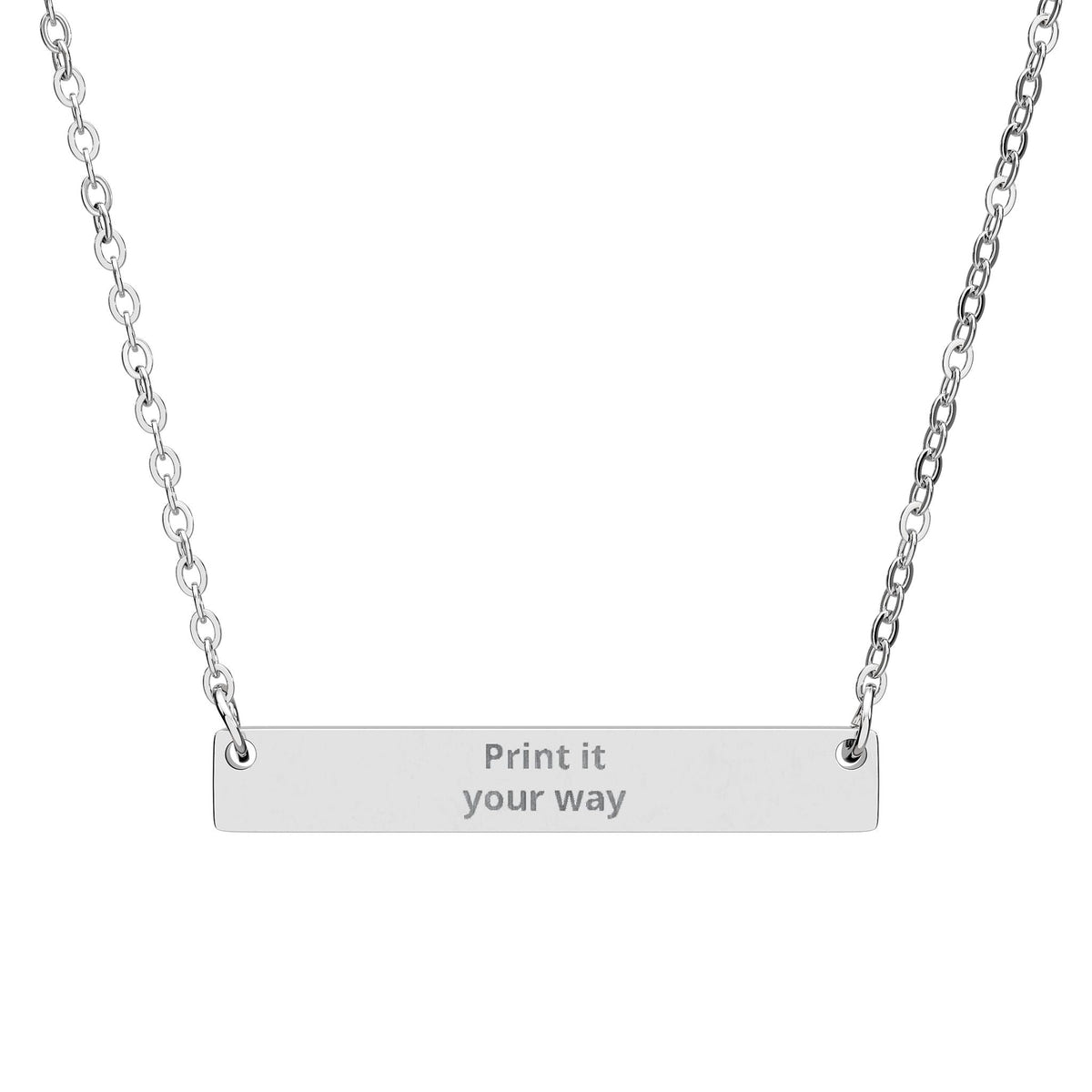
A date engraving works because a few numbers can hold an entire story. The important part is choosing a format that the wearer will understand immediately and checking every digit before the design is submitted.
Which date should you engrave?
The obvious date is not always the most meaningful one. You might choose a birth date, wedding date, anniversary, graduation, first meeting, proposal or another private milestone.
Numeric date formats
Numeric dates are compact, but day/month order differs between countries. A date such as 04/07/26 can be interpreted in more than one way. If that ambiguity matters, use a format that is unmistakable to the people involved.
- 7 Apr 2026
- 07.04.2026
- Apr 7, 2026
- 2026-04-07 when an ISO-style format suits the design
These are formatting examples only. Use the actual verified date that belongs to your story.
Should you include the year?
Include the year when the exact moment matters or when the same day and month could refer to more than one event. Leave it out only when the shorter date is already unambiguous to the wearer.
Roman numerals
Roman numerals can make a date less immediately obvious, but they often use more characters than a compact numeric format. Convert the date independently and check the result twice before ordering.
Dates plus initials
If the jewelry has enough room, a date can pair naturally with one or two initials. Keep the layout simple and use only separators supported by the product's current personalization controls.
When a place may be better than a date
If the memory is really about where something happened, a place name or coordinates may carry more meaning than the date. See How to Engrave Coordinates on Jewelry.
Before you order
- Verify every digit from a reliable source.
- Choose a format both giver and wearer will interpret correctly.
- Check the live product preview.
- Do not assume every separator or symbol is supported.
If you are deciding between a name and a date, use Name or Date: What Should You Engrave?.