What to Engrave on a Necklace: Names, Dates & Meaningful Ideas
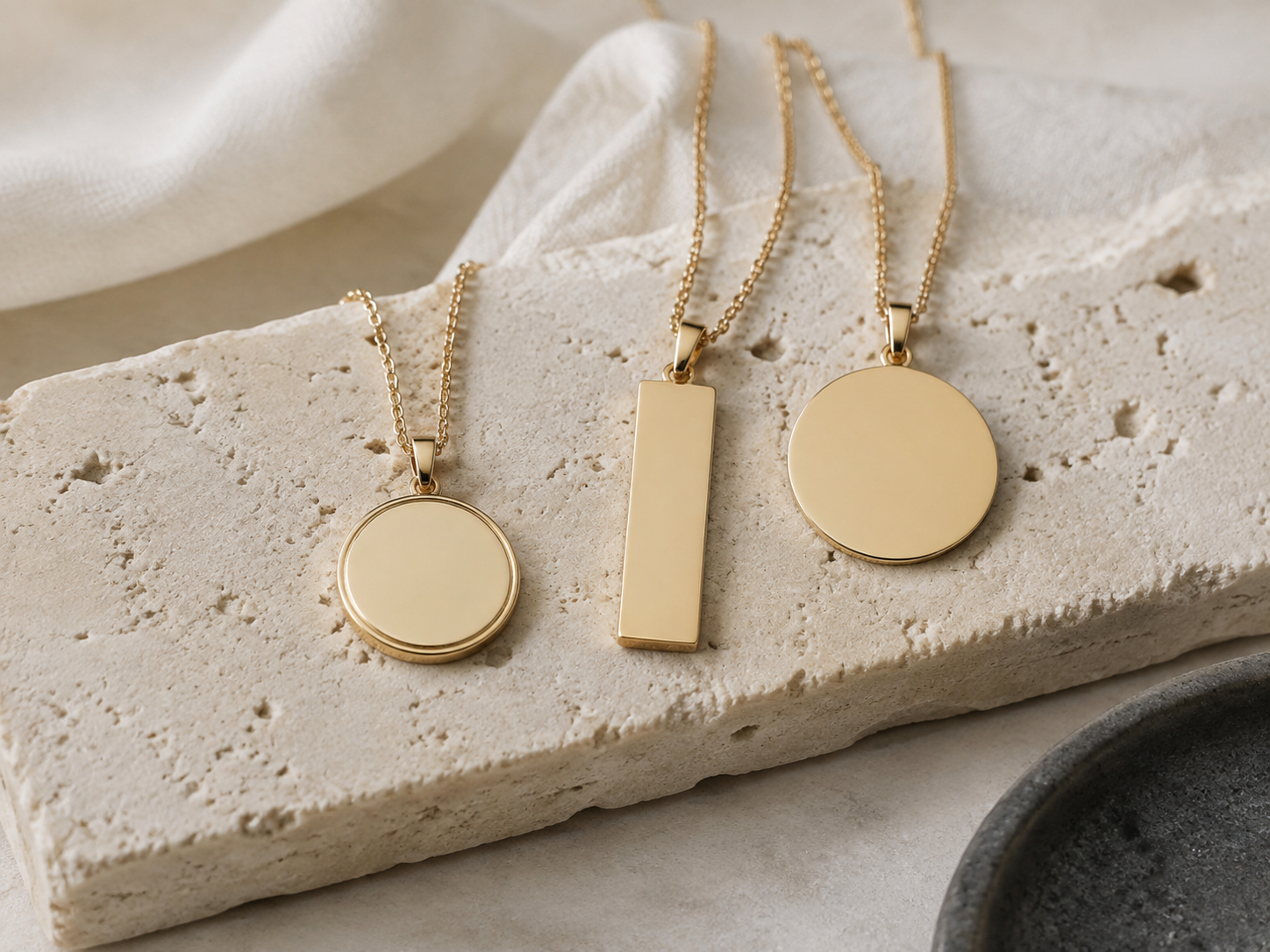
Wondering what to engrave on a necklace? Start with the person or memory rather than a generic quotation. A name, date, initials, coordinates or a few familiar words can carry more meaning than a long message—especially when the wearer immediately understands the story behind it.
This guide helps you compare the most useful engraving formats, find ideas by recipient and fit the wording to the available space.
What can you engrave on a necklace?
Most necklace engravings use one of six formats: a name, initials, an important date, coordinates, one meaningful word or a short private phrase. The best option depends on what you want the necklace to bring to mind.
- Name: direct, personal and easy to recognize.
- Initials: discreet and useful when the meaning should stay private.
- Date: ideal for a birth, anniversary, wedding, graduation or remembrance.
- Coordinates: connect the piece to a home, meeting place or meaningful destination.
- One word: distills a feeling into a compact message.
- Short phrase: works best when it is something you genuinely say to each other.
Name, date or initials: how to choose
Choose a name when the person is the message
A first name, family name or nickname makes the relationship central. This is often a strong choice for a child, partner or memorial piece.
Choose a date when the moment is the message
Use the date you would recognize instantly years from now. Write it in an unambiguous format and verify every number before ordering.
Choose initials when you want subtle meaning
Initials can represent one person, a couple or a family while remaining visually simple. They are especially useful on small pendants.
Choose one word when the feeling is the message
Words such as Always, Home, Loved, Brave, Hope or Together can hold a larger story without crowding the design.
Necklace engraving ideas by recipient
For a partner
- Always us
- My person
- Your shared initials
- An anniversary date
- A private nickname
For Mom
- Always my home
- Children's initials
- A family date
- Love you, Mom
- A word tied to a family tradition
For a daughter
- My girl
- Always with you
- Brave
- Her name or birth date
- A short line you have always said to her
For more examples, read our dedicated engraving ideas for a daughter.
For a friend
- Always us
- Shared initials
- A place or date linked to a memory
- An inside joke that still reads clearly
For a memorial necklace
- Always with me
- A name and date
- Forever remembered
- Initials
- A word strongly associated with the person or pet
How long should a necklace engraving be?
Keep the message as short as the meaning allows. Engraving space varies by product shape, size, font and personalization method. A phrase that fits one pendant may not fit another, so use the character limit and preview shown on the individual product page as the final authority.
If a sentence is too long, identify its emotional core. “Wherever you go, remember you are loved” might become “Always loved.” Shortening the wording can improve readability without losing the idea.
A five-step way to choose without regret
- Name the purpose. Is this about love, family, encouragement, a milestone or remembrance?
- List three specific details. Consider a name, date, place, nickname or familiar phrase.
- Choose the shortest clear version. Remove words that do not carry meaning.
- Check the product limits. Confirm supported characters, capitalization and available lines.
- Proofread twice. Verify names, initials, coordinates and dates before submitting.
Frequently asked questions
What is a good message to engrave on a necklace?
A good message is short, specific and recognizable to the wearer. Names, dates, initials and genuine shared phrases are usually stronger than a quotation chosen only because it sounds impressive.
What should I engrave for my girlfriend or wife?
Consider shared initials, an anniversary date, a private nickname or wording you already use together. The more personal the reference, the less explanation it needs.
What should I engrave for my mom?
Children's initials, a family date or a simple phrase such as “Always my home” can work well. Choose language that sounds natural in your relationship.
Can I combine a name and date?
Yes, when the selected product has enough space. Initials plus a date can tell a complete story in very few characters.
Turn the idea into an engraving
Explore our broader engraving ideas guide, learn how personalization works, or browse personalized jewelry. Always check the exact options on the product page before ordering.