Graduation Engraving Ideas: Names, Dates, Coordinates & Messages
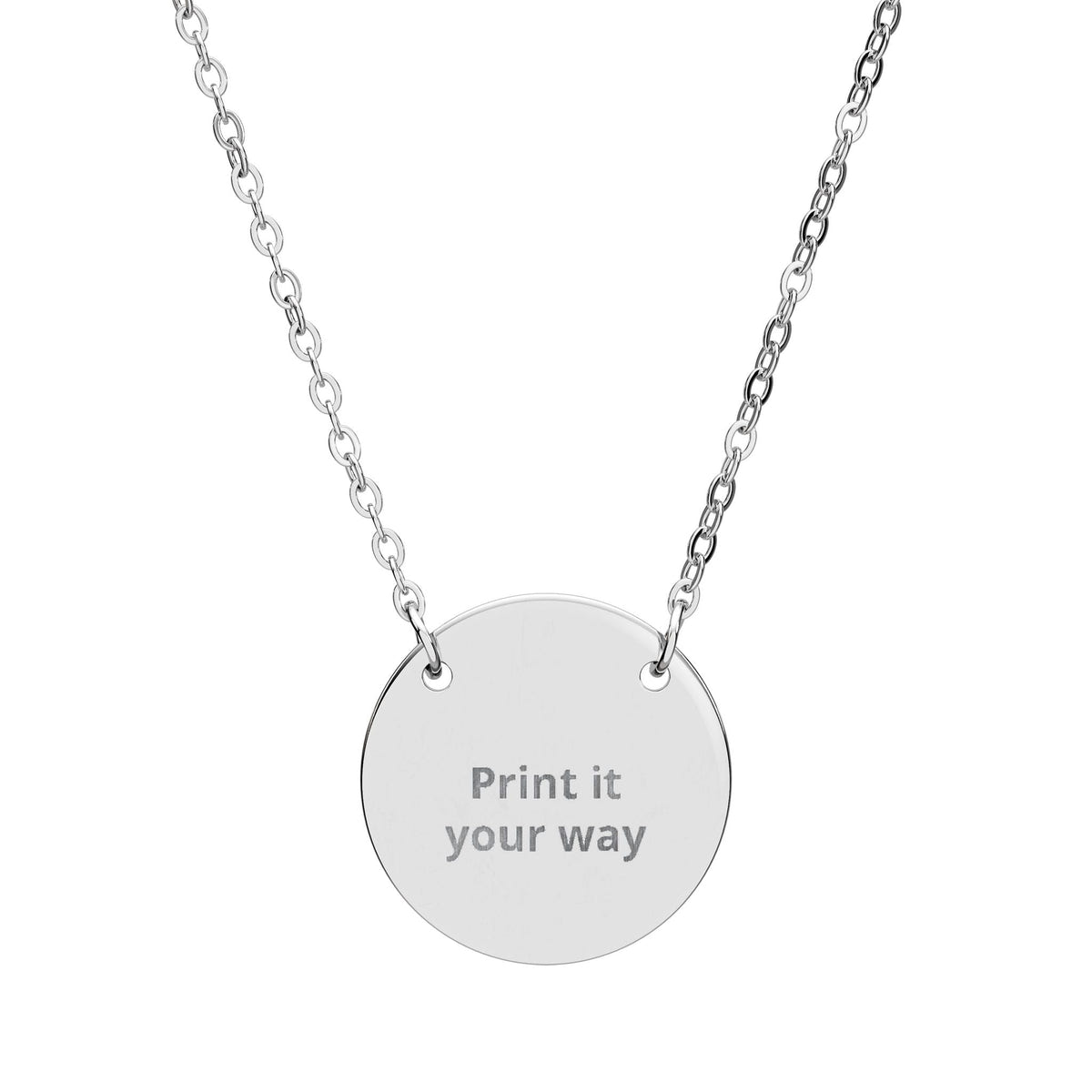
A graduation engraving works best when it marks both achievement and what comes next. The graduation year is an obvious choice, but a name, date, school reference, coordinate or short line of encouragement can make the jewelry feel personal long after the ceremony.
Quick graduation engraving ideas
- Class of 2026
- 2026
- Go bravely
- Keep becoming
- Onward
- You did it
- Find your light
- Always home
- Graduate initials
- A graduation date
- Coordinates of school or home
Engraving the graduation year
The year is concise and easy to recognize later. It can stand alone or pair with initials or a short word: “FM · 2026”, “2026 · Onward” or “Brave · 2026”.
Graduation engraving ideas from parents
- Always with you
- Proud of you
- Go find your light
- Home is with you
- Be brave, be you
- A family phrase they already know
For daughter-specific wording, see Engraving Ideas for a Daughter. For a son, see Engraving Ideas for a Son.
Graduation engraving ideas for a friend or partner
Consider the date you met, a campus nickname, coordinates of the school or a private phrase from the years together. For friendship-specific prompts, see Engraving Ideas for a Best Friend.
Should you engrave the school name?
A school name can work when the institution itself is part of the memory. If the name is long, initials, a year or coordinates may fit more naturally.
Coordinates for a graduation gift
Coordinates can represent the school, family home or city the graduate is leaving behind. Verify the exact location twice with our coordinate engraving guide.
One-word graduation engravings
- Brave
- Onward
- Begin
- Become
- Rise
- Home
- Curious
- Steady
Choose a word connected to the graduate's real story. See One-Word Engraving Ideas for more help.
What jewelry format suits a graduation engraving?
For a simple round format, compare the Engravable Circle Necklace. For concise text on a longer surface, consider the Engravable Horizontal Bar Necklace. Browse more options in Personalized Jewelry.
Final check before ordering
- Verify the graduate's name and initials.
- Confirm the graduation year or exact date.
- Check coordinates independently if used.
- Compare the message with the live engraving area.
- Review spelling, punctuation and capitalization.
- Check current production and delivery information.
For a broader final-order check, use Jewelry Engraving Mistakes to Avoid Before Ordering.
Frequently asked questions
What is a good engraving for a graduation gift?
A graduation year, name, initials, exact date, meaningful coordinate or short message can all work. The strongest choice usually connects directly to the graduate rather than using a generic congratulatory phrase.
Is the graduation year enough for an engraving?
Yes, when the milestone itself is the meaning you want to preserve. You can also pair the year with initials or one short word if the product has enough space.
Are coordinates a good graduation engraving?
They can be meaningful when a school, campus, home or city is central to the story. Verify the exact location before submitting the engraving.